My fancyindex
- HTML 100%
| background.png | ||
| example.jpg | ||
| footer.html | ||
| header.html | ||
| JetBrainsMono-Bold.ttf | ||
| README.md | ||


My fancyindex
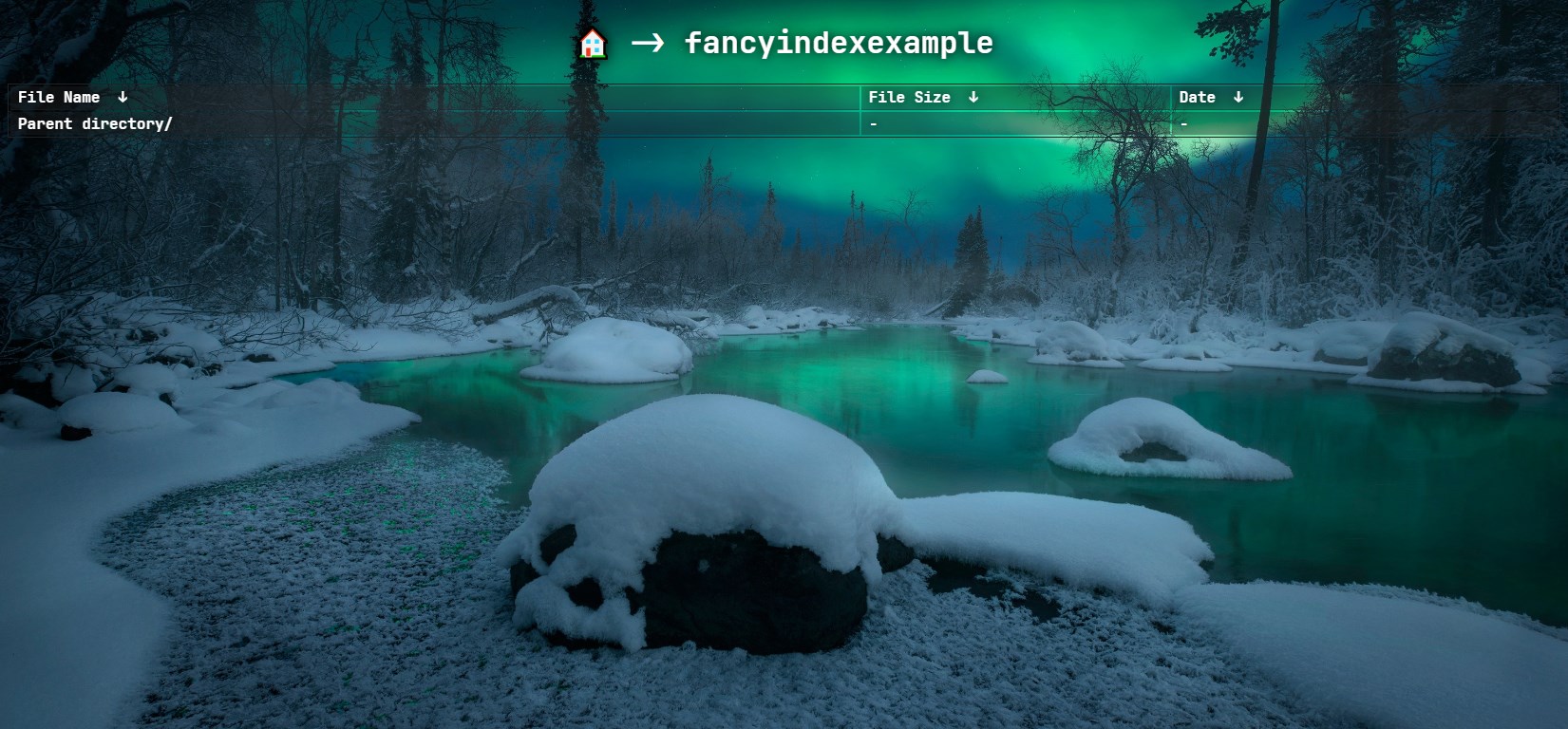
also you can see an example at https://cat.fs.tlpteam.ru/fancyindexexample/
Usage
clone repo to folder "fancyindex"
$ git clone https://cat.fs.tlpteam.ru/git/cat/myfancyindex.git fancyindex
now you can use it like this in nginx
location /files/ {
    fancyindex on;
    fancyindex_exact_size off;
    fancyindex_localtime on;
    fancyindex_header /fancyindex/header.html;
    fancyindex_footer /fancyindex/footer.html;
    try_files $uri $uri/ =404;
}